RockPaperScissors - ComputerVision
A downloadable game for Windows
Your hands are the controller.
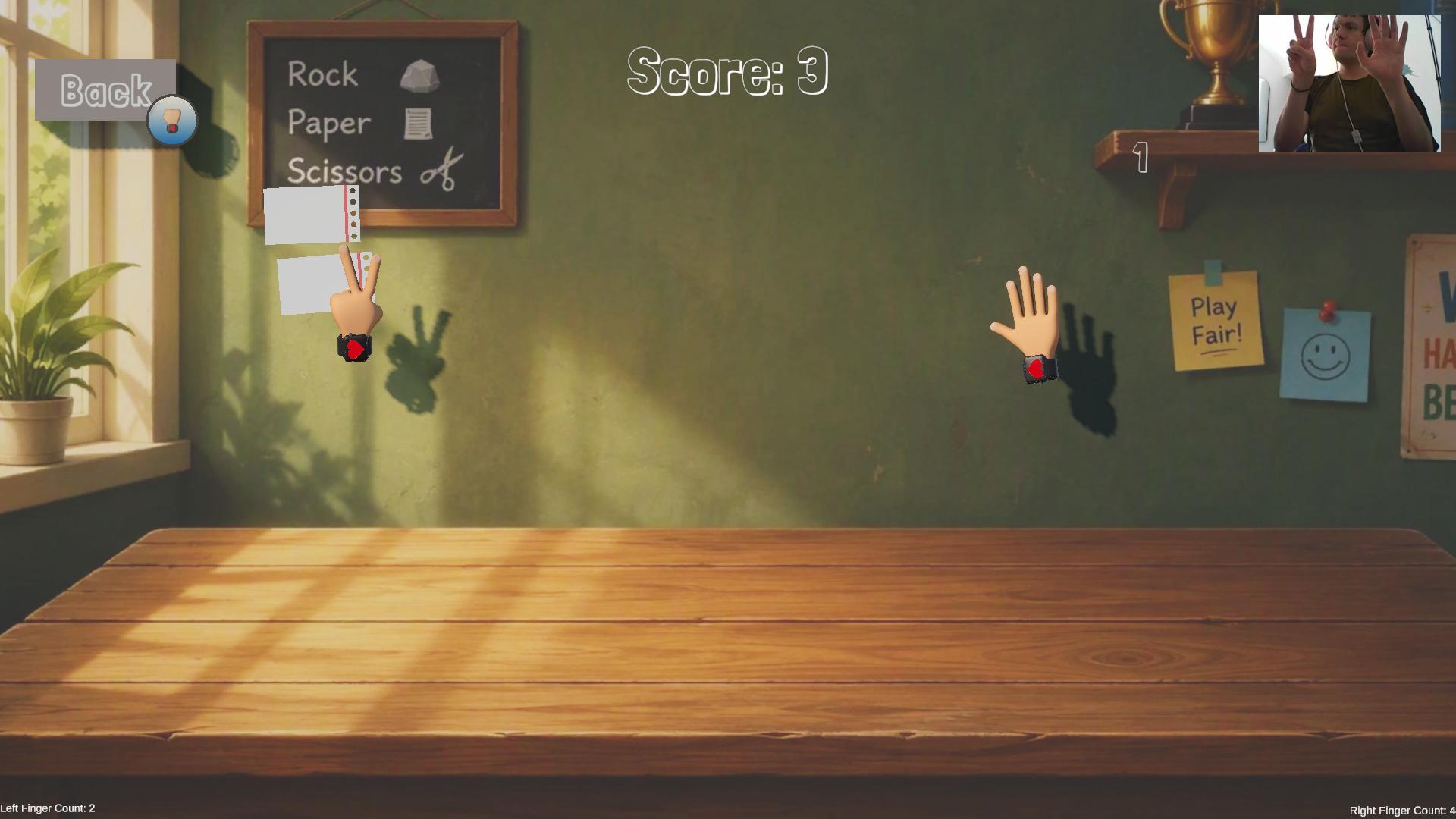
Rock Paper Scissors is a small arcade prototype played entirely with your webcam. No mouse, no keyboard, no gamepad: hold your hands up in front of the camera, and two virtual hands follow your every move.
Rocks, papers and scissors fly in from the edges of the screen. Throw the right hand sign and smash them before they overwhelm you.
How to play
- Beat the object to destroy it. Rock crushes scissors, scissors cut paper, paper covers rock. Each one you destroy scores a point.
- Don't touch with the losing sign. That hand loses a life.
- Same sign? Nothing breaks; you just push the object away.
- Each hand has 3 lives. Lose them all on one hand and it's out of the game. Lose both and it's game over.
- It gets harder. Every 20 seconds, more objects spawn and they move faster.
Use both hands at once, each with a different sign, to survive longer and beat your high score.
Hand signs
- ✊ Rock: closed fist
- ✌️ Scissors: one or two fingers out
- ✋ Paper: open hand
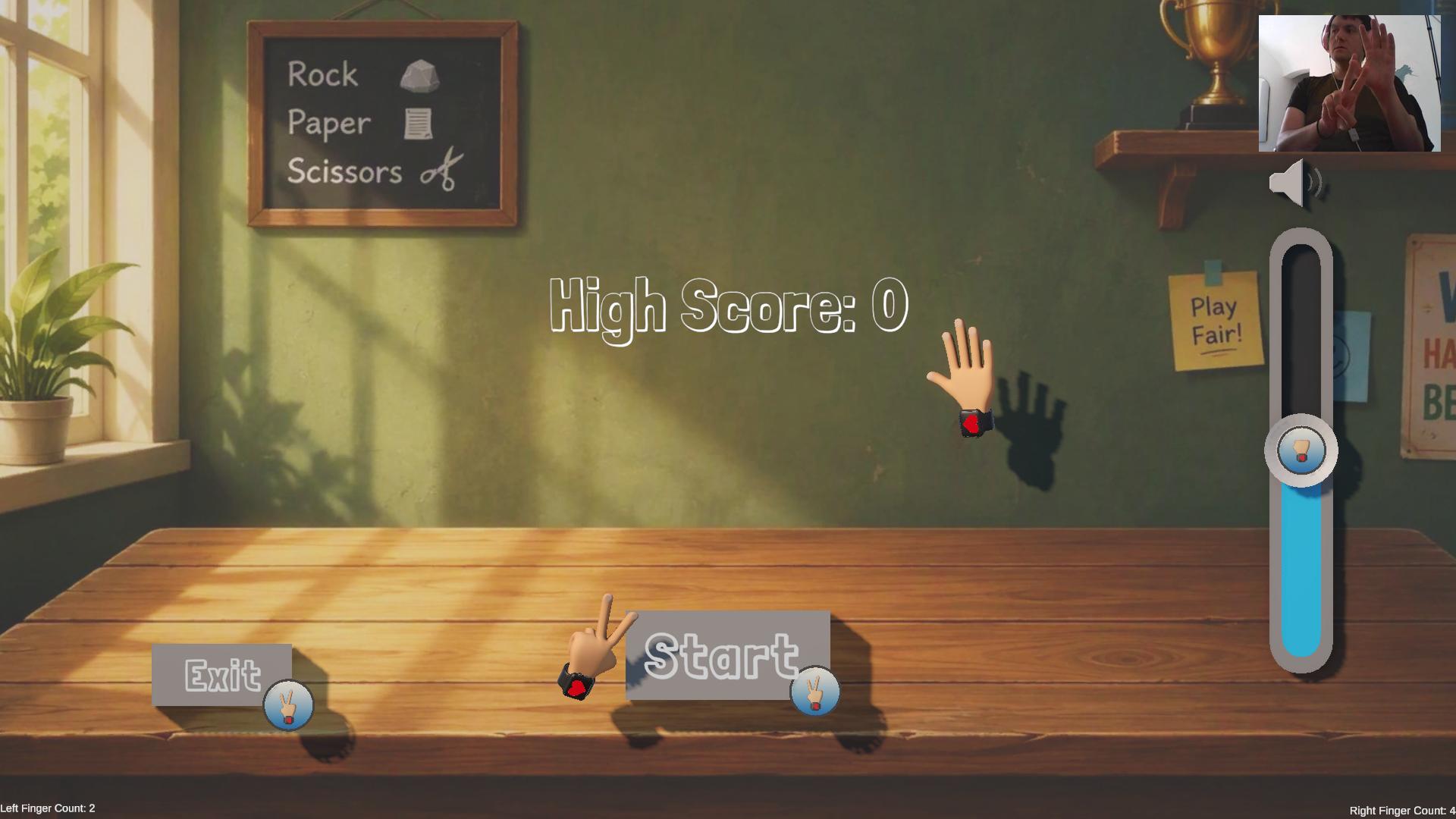
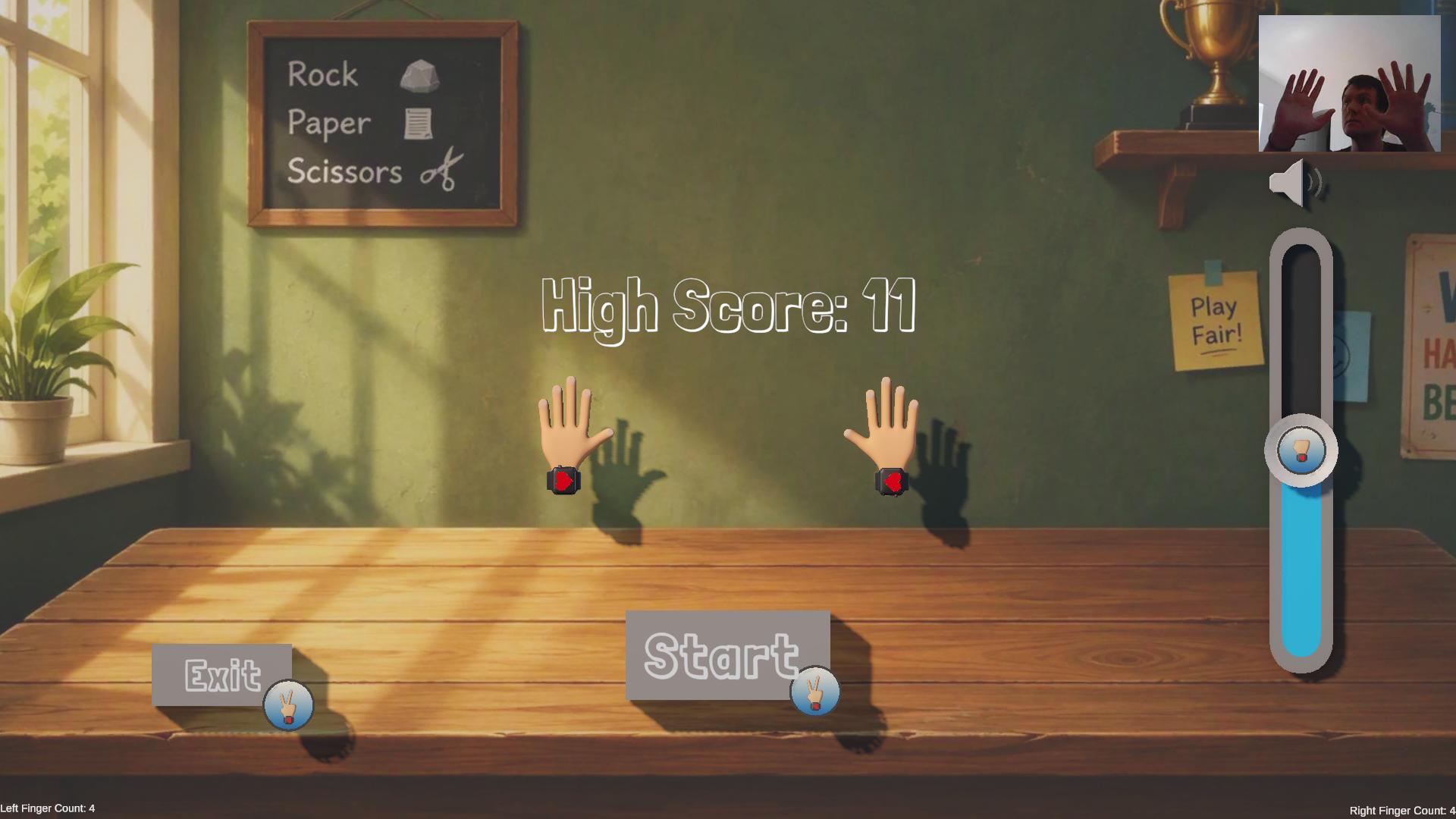
Even the menu is hand-controlled: reach out and touch the buttons to start, quit, go back or change the volume.
Getting started
- Download and unzip the game.
- Run RockPaperScissors.exe.
- Pick your webcam in the small window that opens (use Preview to check it), then press Start.
- The game launches automatically. Raise your hands and play.
Tips for best tracking
- Play in a well-lit room, with no bright light behind you.
- Stand or sit so both hands fit comfortably in the camera view.
- Keep your palms facing the camera and make clear, deliberate signs.
Requirements
- Windows PC
- A webcam
Your webcam feed is processed locally on your computer and never leaves it.
About this prototype
This is a prototype built to test hand recognition as a game input, so expect rough edges. Feedback is very welcome: tell me in the comments how the tracking felt on your setup.
Download
Install instructions
Getting started
- Download and unzip the game.
- Run RockPaperScissors.exe.
- Pick your webcam in the small window that opens (use Preview to check it), then press Start.
- The game launches automatically. Raise your hands and play.
Leave a comment
Log in with itch.io to leave a comment.